
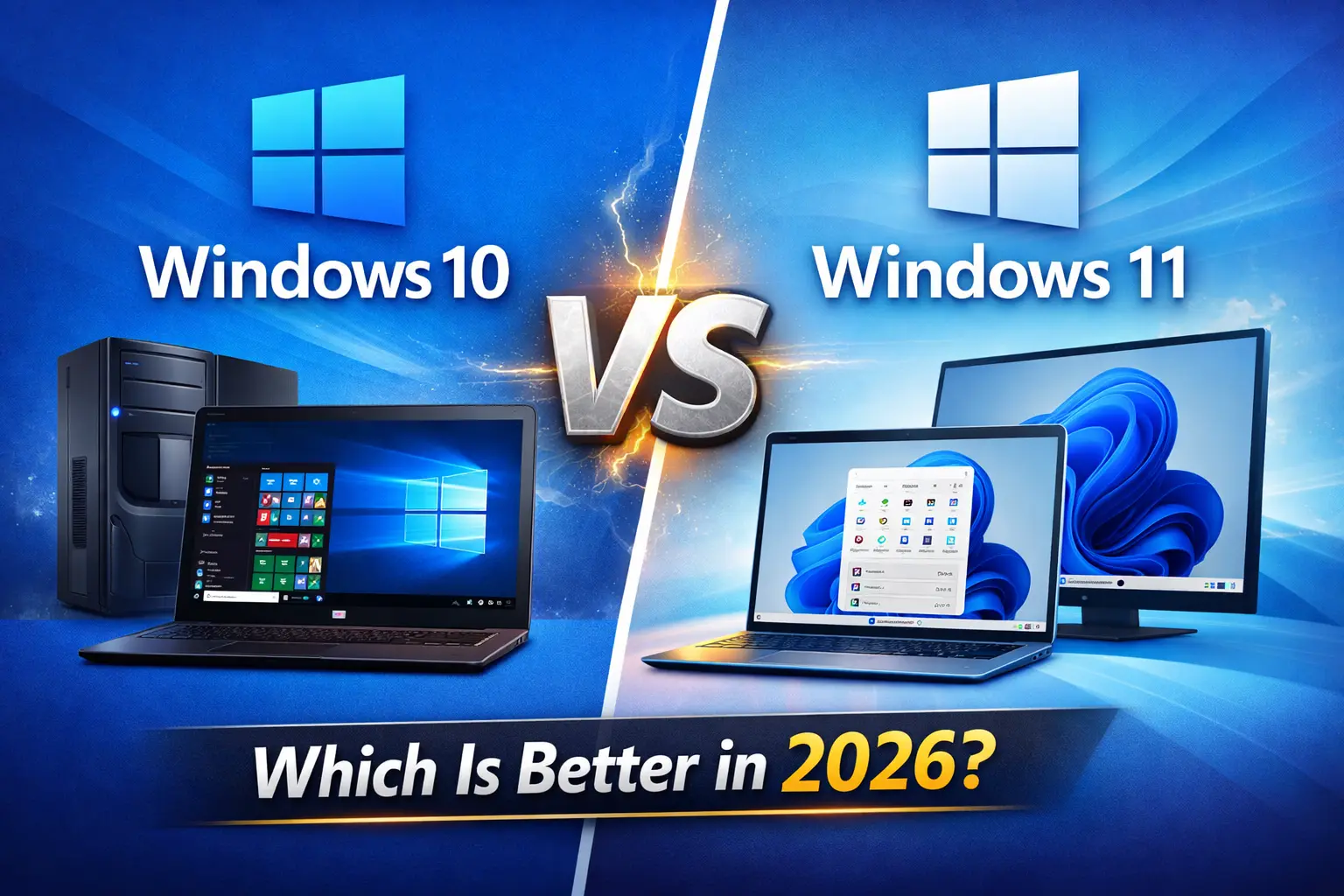
Choosing the right operating system affects your computer’s performance, security, and daily tasks. Many users still compare Windows 10 and Windows 11 in 2026 before deciding which version suits their needs best.
Both operating systems come from Microsoft and provide reliable performance, regular updates, and compatibility with modern applications. However, each version targets slightly different users and hardware setups.
In this guide, you will learn the key differences between Windows 10 and Windows 11. This comparison will help you decide which operating system works best for your computer.
Understanding Windows 10 and Windows 11
Microsoft released Windows 10 in 2015. It quickly became one of the most popular operating systems because it offered stability, compatibility, and strong performance across many devices.
Microsoft later introduced Windows 11 with a modern interface and improved security features. The company designed this version mainly for newer hardware and modern computing needs.
While Windows 11 represents the future of Windows, many users still prefer Windows 10 because it runs smoothly on older computers.
Interface and Design Experience
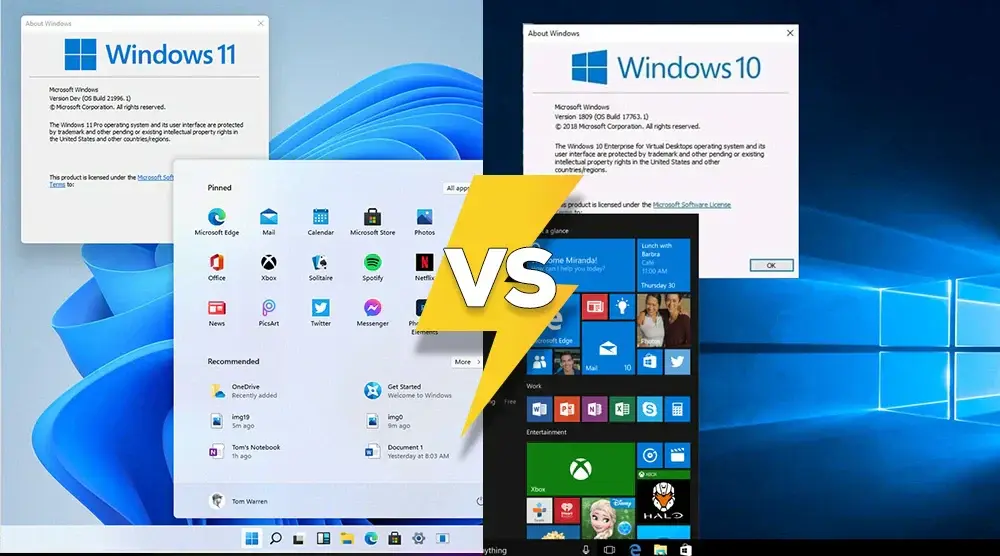
Windows 10 uses the classic Windows layout. The Start Menu appears on the left side of the taskbar, and users can access Live Tiles for quick information such as weather updates or calendar events.
Windows 11 introduces a redesigned interface. The Start Menu appears in the center of the taskbar, and the overall design looks cleaner and more modern. Microsoft removed Live Tiles and replaced them with a simpler application grid.
Many users enjoy the fresh appearance of Windows 11. However, users who prefer a familiar layout often choose Windows 10.
Performance and System Efficiency
Performance plays a major role when selecting an operating system.
Windows 10 runs efficiently on many types of hardware, including older computers. It manages memory well and delivers stable performance even on mid-range systems.
Windows 11 focuses on newer processors and modern hardware technologies. Microsoft optimized it to improve background processing, reduce startup time, and deliver faster wake-from-sleep performance.
If you use a newer computer, Windows 11 may feel slightly faster. If your system uses older hardware, Windows 10 may perform more consistently.
Hardware Requirements and Compatibility
Hardware compatibility often determines which Windows version you can install.
Windows 10 offers flexible system requirements. Many computers built in the last decade can run it without problems.
Windows 11 requires newer security technologies and modern hardware components. These requirements improve security but also limit compatibility with older systems.
Minimum requirements for Windows 11 include:
- Compatible 64-bit processor
- 4 GB RAM or more
- 64 GB storage
- TPM 2.0 security module
- Secure Boot support
Because of these requirements, some computers that run Windows 10 cannot officially install Windows 11.
Security Features and Protection
Security remains one of the most important parts of any operating system.
Windows 10 includes strong protection tools such as Windows Defender, firewall protection, and automatic security updates. These features help protect users from malware, viruses, and online threats.
Windows 11 strengthens security further by integrating hardware-based protection. The operating system uses technologies like TPM 2.0, Secure Boot, and virtualization-based security to improve system safety.
Users who prioritize modern security features often choose Windows 11.
Multitasking and Productivity Tools
Both operating systems support multitasking, but Windows 11 improves the experience.
Windows 10 includes tools like Snap Assist and Virtual Desktops, which help users organize multiple applications on the screen.
Windows 11 expands these tools with Snap Layouts and Snap Groups. These features allow users to arrange windows in different layouts and quickly return to their previous working setup.
If you regularly work with multiple programs at the same time, Windows 11 can make your workflow more efficient.
Application and Software Compatibility
Software compatibility remains one of the strongest advantages of Windows 10.
Because Windows 10 has existed for many years, developers designed most applications to run perfectly on it. Many professional tools and business programs still rely on Windows 10 due to its stability.
Windows 11 supports most modern applications as well. However, some older software may require updates or compatibility settings.
If you depend on legacy applications or older programs, Windows 10 may provide a smoother experience.
Updates and Long-Term Support
Microsoft continues to provide updates for both systems, but their support timelines differ.
Windows 10 will receive official security updates until October 2025. After that date, Microsoft will end regular support for the operating system.
Windows 11 will continue receiving updates for a longer period because it represents the current generation of Windows.
For users who want long-term updates and future features, Windows 11 offers a better long-term path.
Which Operating System Should You Choose?
Your choice depends mainly on your computer hardware and personal preference.
Choose Windows 10 if you:
- Use an older computer
- Your system does not support Windows 11 requirements
- Prefer a familiar interface
- Rely on older software applications
Choose Windows 11 if you:
- Use a modern computer
- Want a cleaner and modern interface
- Security features matter to your work
- Want long-term support and updates
Both systems perform well, so the best option depends on how you use your computer. You can also check Windows 10 Pro or Windows 10 Home if you want a specific edition.
FAQ – Windows 10 & Windows 11
1. Is Windows 10 still good in 2026?
Yes, Windows 10 works well on many computers and remains a stable operating system for everyday tasks.
2. Can I upgrade from Windows 10 to Windows 11?
Yes, if your computer meets the hardware requirements, you can upgrade to Windows 11.
3. Which Windows version is better for older PCs?
Windows 10 usually performs better on older computers due to lower hardware requirements.
4. Should I buy Windows 10 Pro or Home?
If you need advanced features like BitLocker or Remote Desktop, choose Windows 10 Pro. For regular home use, Windows 10 Home works perfectly.
5. Will Windows 11 run on my current PC?
Check if your PC supports TPM 2.0, Secure Boot, and meets the minimum system requirements.
Final Thoughts
Both Windows 10 and Windows 11 offer strong performance, security, and reliability. Windows 10 remains stable for older hardware, while Windows 11 provides a modern interface, better multitasking tools, and enhanced security.
Before choosing, check your hardware compatibility and daily computing needs. Use this comparison to select the Windows version that gives you the best experience in 2026.